Porting Cocos2d to H5 and then to UWP
Introduction
This document describes how to port a Cocos2d project to a UWP application after converting it to an H5 project.
For Cocos 2d development environment installation, please 【Refer to】
Converting Cocos2d to an H5 Project
Convert to an H5 Project
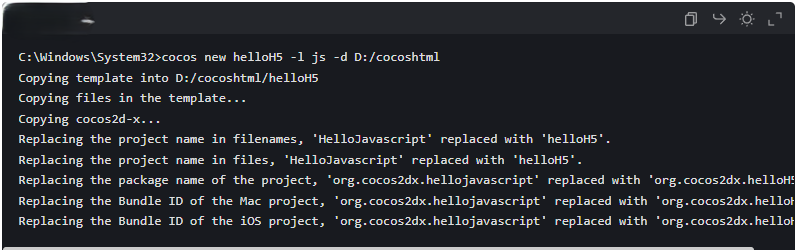
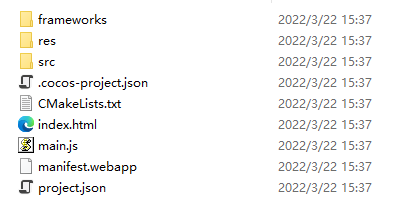
Assuming you want to build a project named helloH5 in the path D:/cocosHtml, run the Command Prompt as an administrator and execute cocos new helloH5 –l js –d D:/cocosHtml. The js parameter indicates the target language is JavaScript. After a successful build, the corresponding H5 files will be generated in the target path:
Running the H5 Project
In the Command Prompt, navigate to the H5 project's path (D:/cocosHtml/helloH5) and execute cocos run –p web to run the local H5 project:

The following interface will appear in the browser: 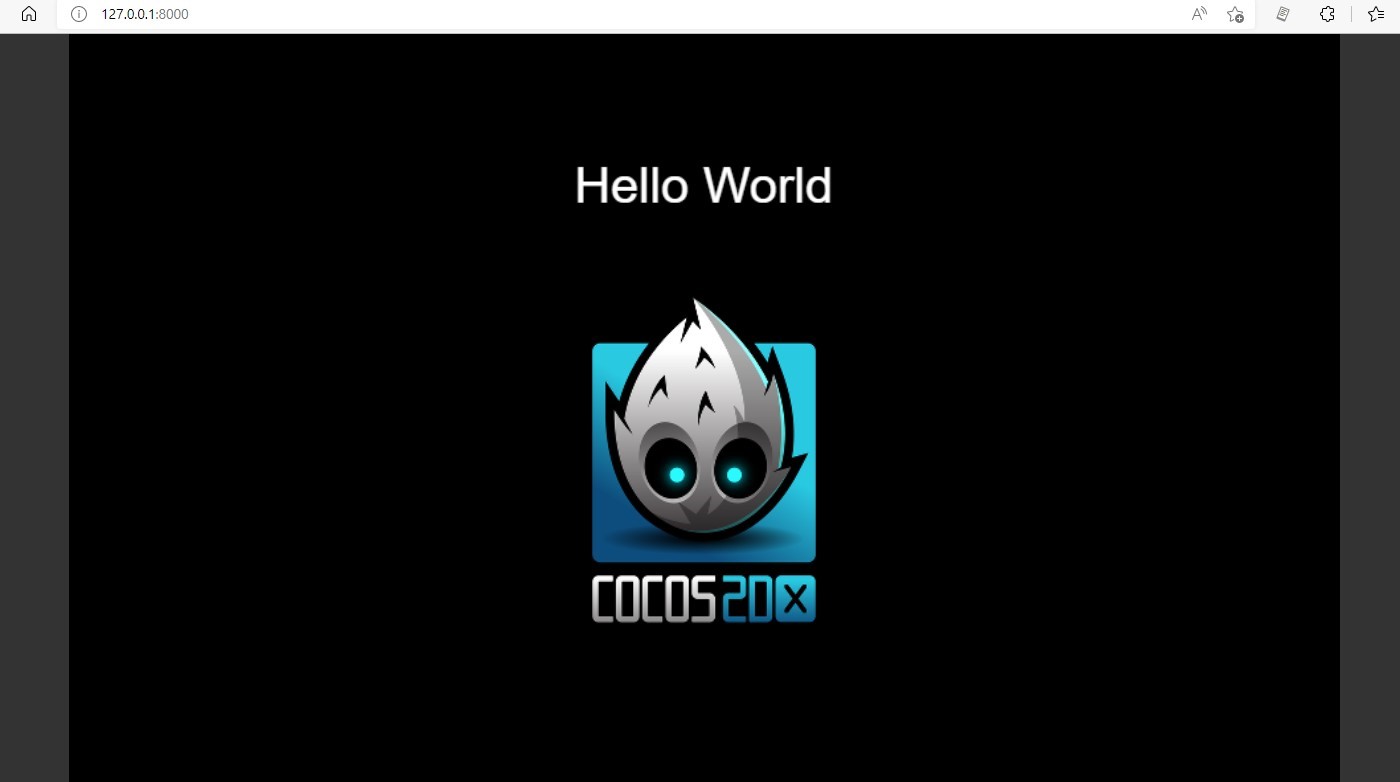
Publishing the H5 Project
To publish the H5 project, enter cocos compile –p web –m release in the Command Prompt. A Publish folder will be generated within the project path; publish the files contained inside. 
Converting H5 to UWP
Publishing the H5 Project to a Web Server
After publishing to the server, please provide the game's entry link address, for example: https://domain/index.html