MG Ads Ad Placement and Style Configuration
Introduction
This document explains the methods for creating ad placements, integrating advertisements, and configuring related settings on the Miracle Games (MG) platform. It also introduces the various ad formats supported by MG Ads and their placements and styles, helping developers monetize within their applications.
The MG Ads aggregation advertising platform provides developers with a one-stop advertising solution. By integrating the MG Ads SDK and configuring ad placements appropriately, developers can utilize MG's own delivery capabilities and high-quality third-party advertising resources, reducing development costs and complexity while improving traffic monetization efficiency.
MG Ad Formats and Placements
Video Ads
MG's ad placements natively support video ad formats. Developers only need to make the call to seamlessly integrate video ads into suitable playback areas within the application. For example, video ads can be easily configured during the full-screen app launch splash screen or embedded within the video display area of specific content sections.
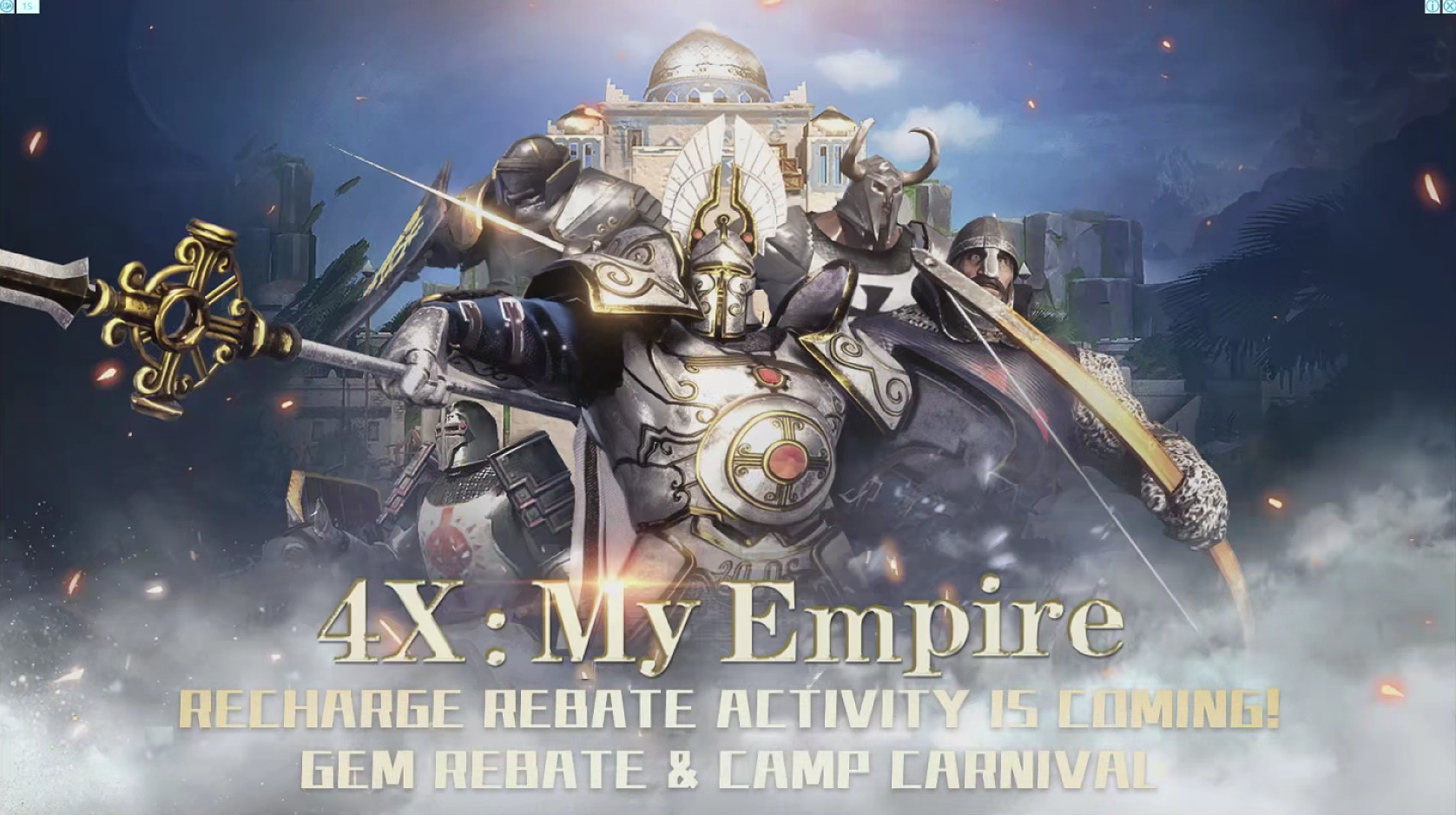
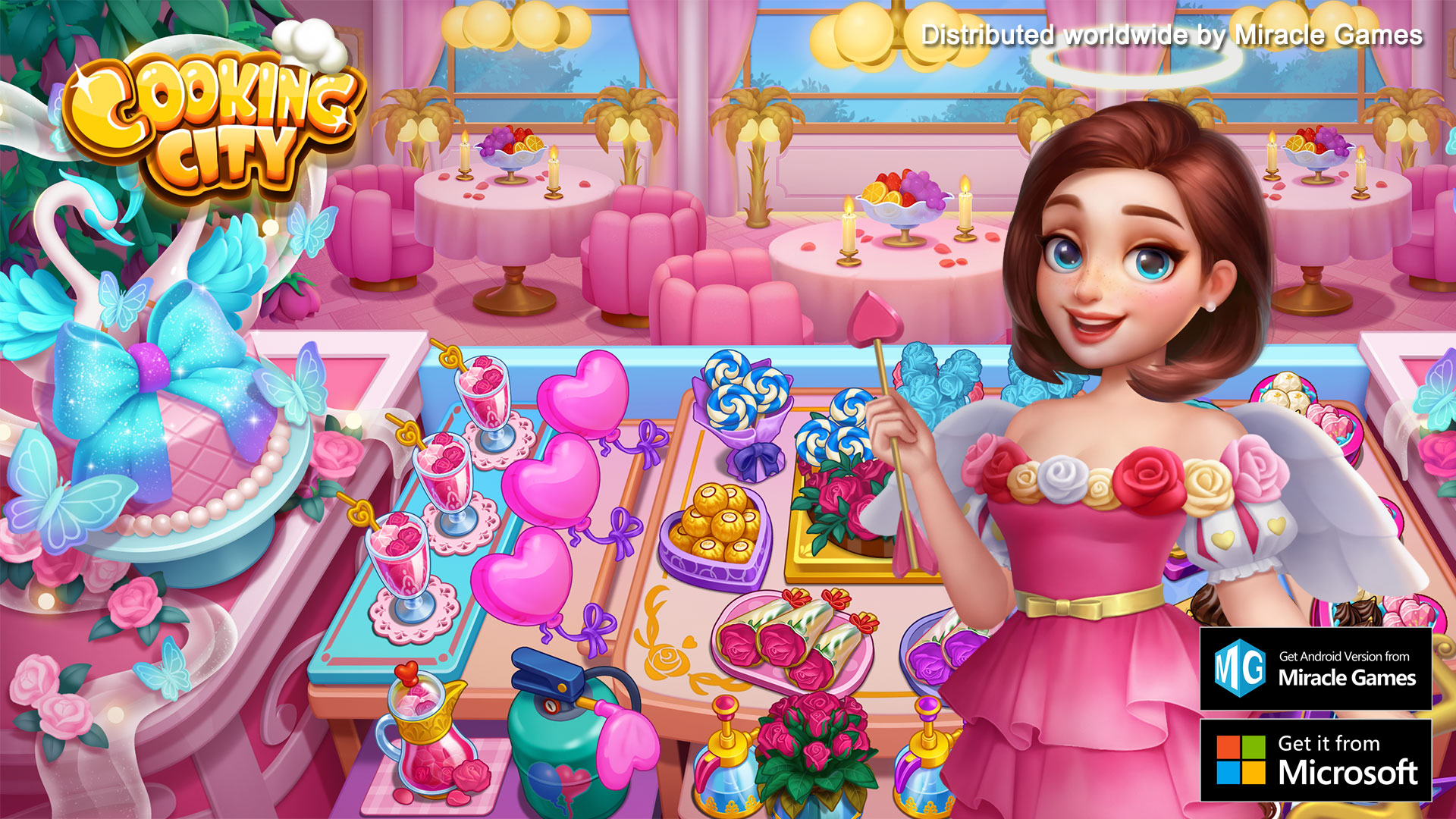
Splash Screen Ads (1920 x 1080)
Placement: Typically displayed full-screen during app launch, covering the entire screen, providing the user's first visual experience upon entering the app.
Style Configuration: A full-screen, high-definition ad display that can adapt to different visual styles based on the ad content.
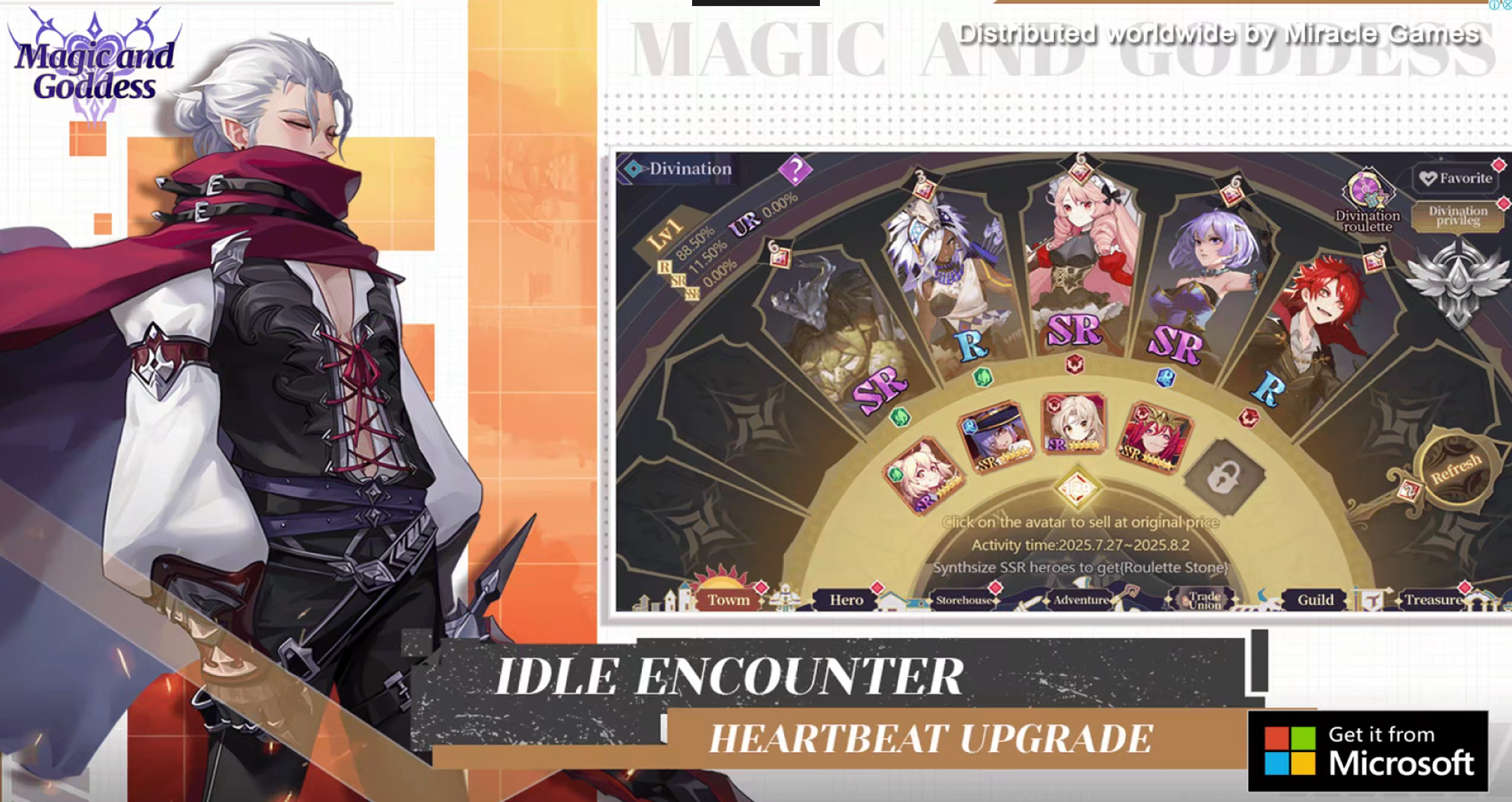
Banner Ads (728 x 90)
Placement: Commonly found in the top or bottom bars of an application, not obstructing the main functional content. For example, in news apps, they can be placed at the top or bottom of article list pages; in game apps, they can be placed at the bottom edge of the game interface.
Style Configuration: A horizontally oriented narrow strip ad, suitable for displaying brand logos, simple product promotion messages, or interactive buttons.
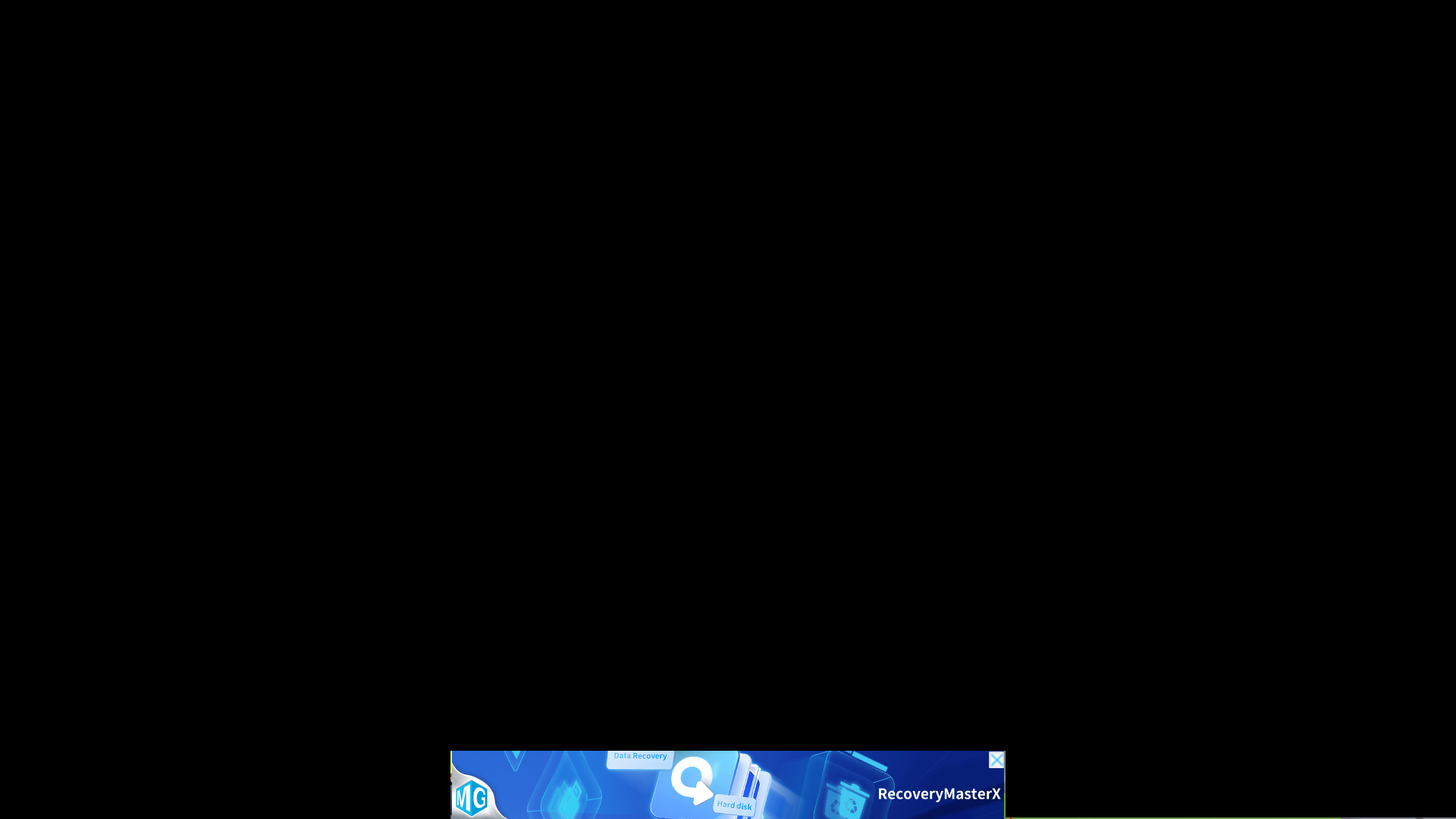
Interstitial Ads (1024 x 768)
Placement: Often pops up during specific operational transitions within the app, such as between levels in a game or when clicking from a list view to a details page.
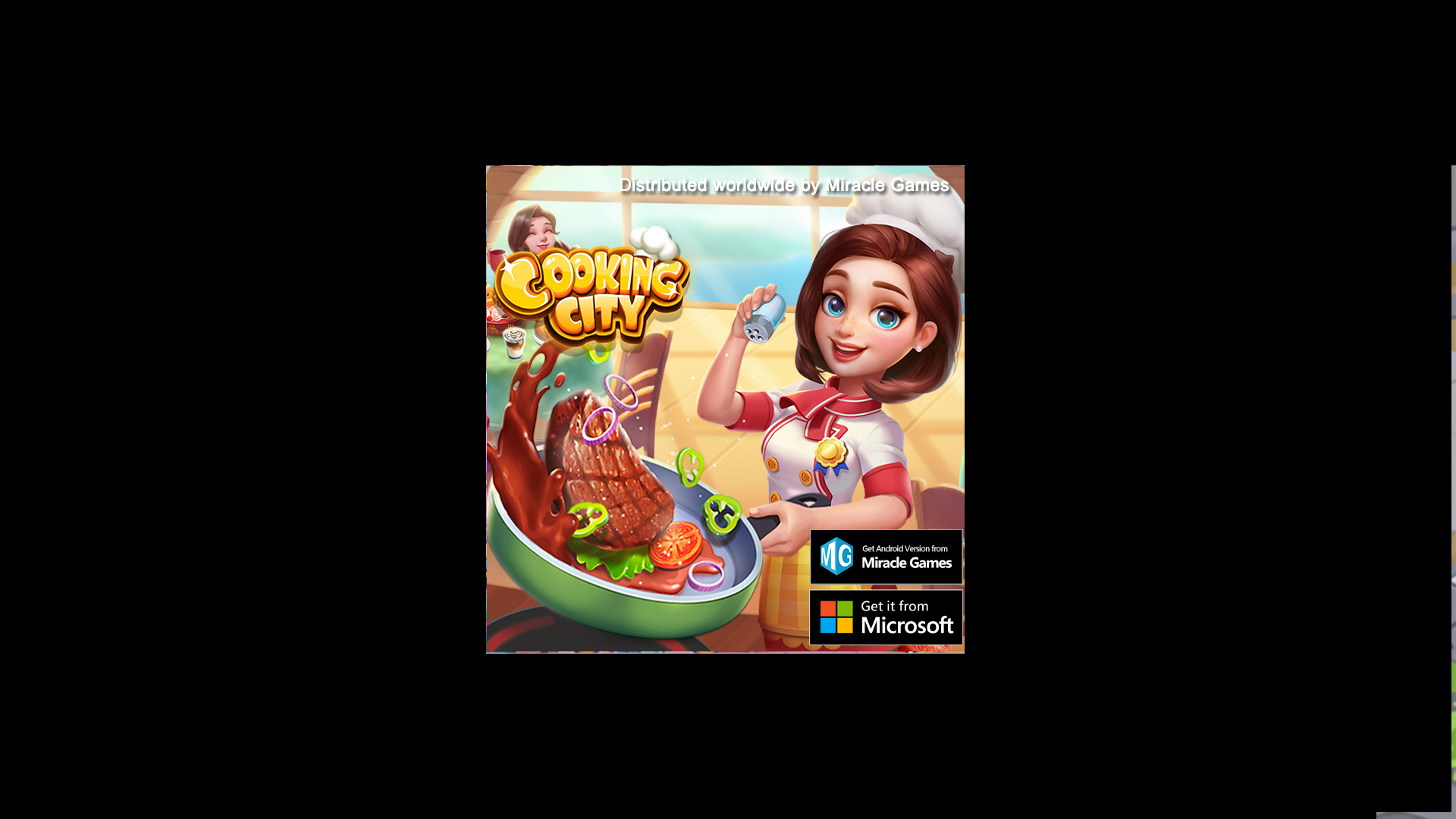
Style Configuration: A square-shaped ad display that can attract user attention in a prominent yet non-intrusive way, potentially containing images, text, and some simple interactive elements.
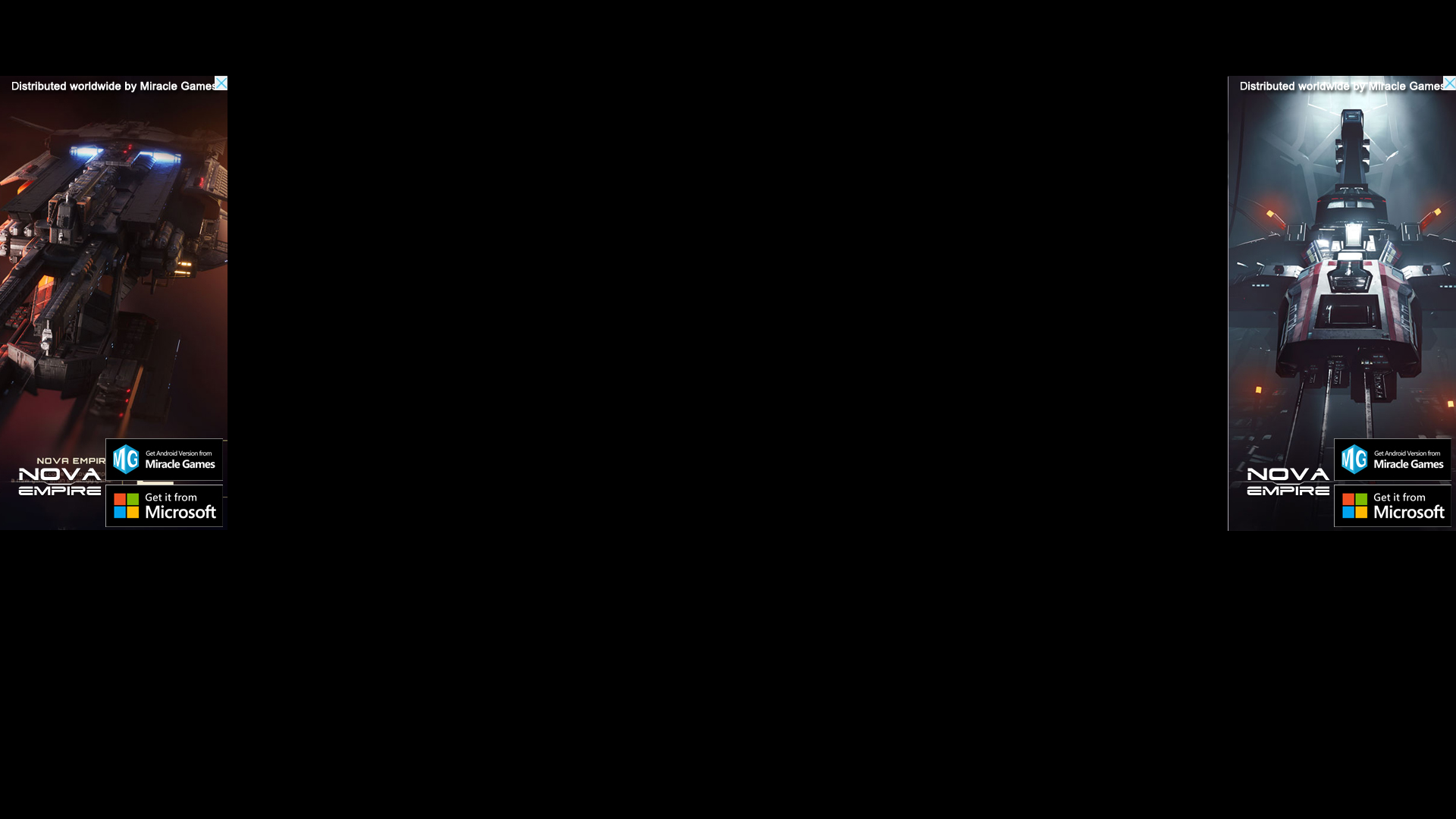
Skyscraper Ads (300 x 600)
Placement: Generally displayed side-by-side on the left and right sides of the application interface, commonly seen in the blank side areas of pages in reading or information apps.
Style Configuration: A long, vertical strip ad resembling a "couplet," which can display different promotional content, such as two related product recommendations or information about two different events.
Exit Screen Ads
Placement: Automatically pops up an advertiser website after the user exits the application.
Style Configuration: Displays ad content in the form of a pop-up webpage. Developers can ensure the pop-up window's style aligns with brand image and does not negatively impact user experience.
Conclusion
Through the detailed explanation of MG Ads ad placement operations and the introduction of ad display positions and styles in this document, developers should be able to create and manage ad placements on the MG platform, integrate ads, and configure related settings. During the actual implementation, developers should apply various ad formats and features based on the app's characteristics, target audience, and market demand to achieve the desired ad performance and commercial revenue. At the same time, it is important to focus on user experience, ensuring that ad displays do not overly disrupt the user, thereby improving app retention and reputation.